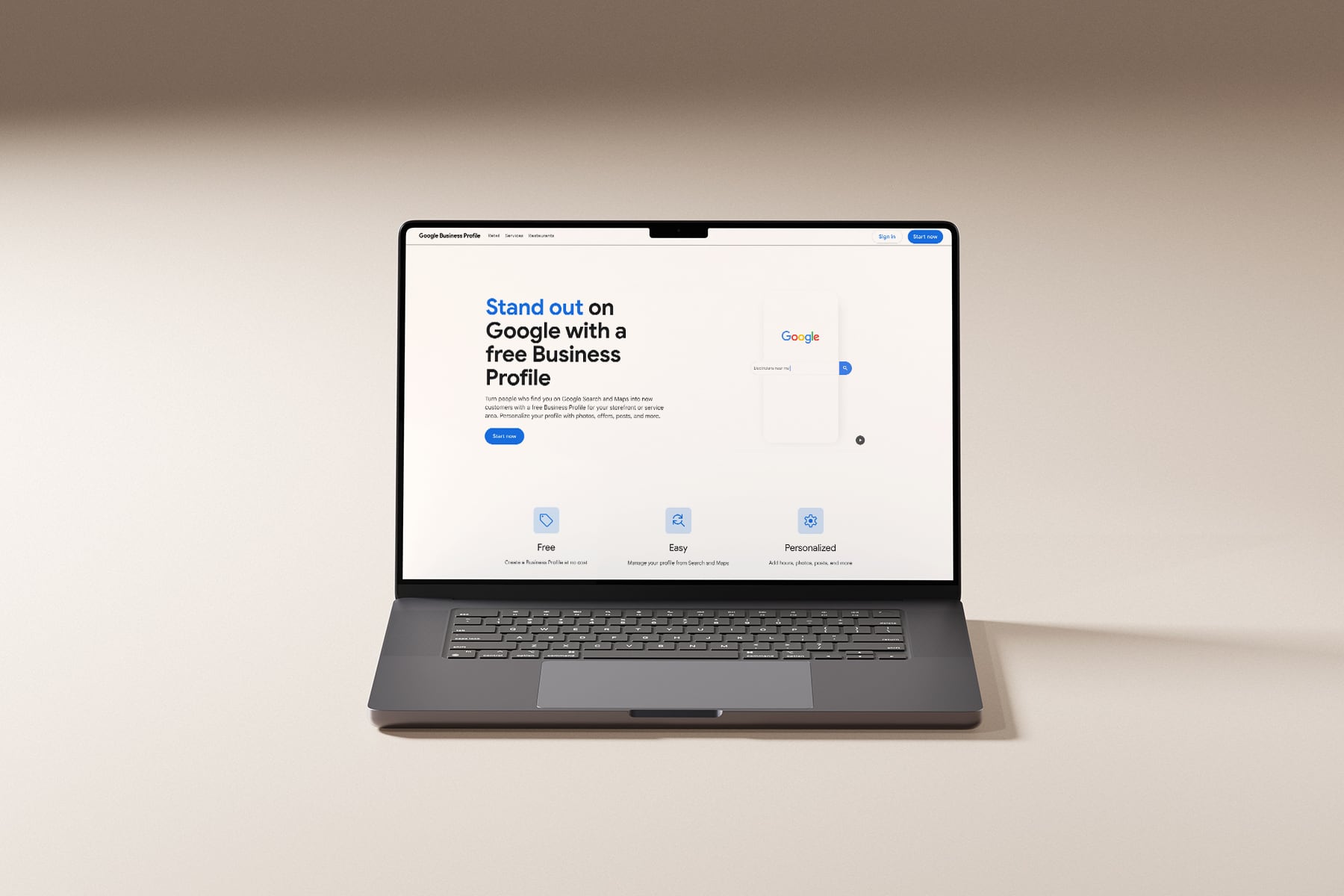
Google Business Profile for travel agents
The complete 2026 setup guide for travel agents. Including Google Workspace, Google Analytics, Google Search Console, and Google Business Profile. Your best chance to skip the verification roadblock, and get your business on Google.

If you’re a travel advisor setting up your Google business tools in 2026, you’ve probably already hit the wall a lot of agents hit. You try to set up a Google Business Profile from your home address, Google demands a video verification, and suddenly you’re filming your house like it’s a reality show audition tape.
A big issue that most don’t know about is that the order you set these tools up in matters. A lot. If you go straight to Google Business Profile first, which is what most guides tell you to do, you end up trapped in the video verification loop with no other options. But if you set up your other tools first, like Google Search Console, you can often unlock instant verification or get Google to offer you the email and DNS options that used to be standard.
That’s what this guide does differently. We’re going to walk through all four Google tools every travel advisor needs, Google Workspace, Google Analytics, Google Search Console, and Google Business Profile for travel agents, but in the specific order that gives you the best shot at a clean, professional setup without the verification nightmare.
There’s one thing you need to have before any of this works though, your own domain. Not a Gmail address. Not a host agency subdomain. Your own website on your own domain. I’ll explain why throughout, but if you don’t have one yet, that’s step zero.
Why the order matters (the piece most guides skip)
When Google decides how to verify a new Business Profile, it looks at what other trust signals already exist for your business online. An unverified domain with no website, no analytics, and no search presence is a blank slate. So Google defaults to the strictest verification method available, which in 2026, is video verification without any other options.
But when Google can already confirm you own a real, indexed website at a professional domain, because you’ve verified it in Search Console, the verification path often opens up. You may get offered email verification, DNS verification, or even instant approval.
Here’s the order we’re going to follow:
- Your own domain + website (the foundation everything else runs on)
- Google Workspace (professional email at your domain)
- Google Analytics (so you know what’s working)
- Google Search Console (the verification unlock)
- Google Business Profile (the reward, not the starting point)
Ready? Let’s go.
Step zero: Your own domain and website
Before any of these Google tools work for you, you need your own domain.
I know if you’re reading this, you might already have a free host agency page or a @gmail.com email address you’ve been using. That setup is costing you more than you think. Here’s what happens when a potential client lands on your host agency subdomain or gets an email from yourlovely@gmail.com instead of hello@yourtravelagency.com:
- They don’t see a real business. They see a hobby.
- Google doesn’t see a real business either. Which is exactly why verification gets denied.
- Every other professional tool, Workspace, Analytics, Search Console, Google Business Profile simply won’t work without a domain you actually control.
Owning your domain isn’t a branding indulgence. It’s the foundation that unlocks every professional tool Google offers. Without it, you’re trying to build a business on rented land, and Google can tell.
If you’re ready to stop running your business through someone else’s URL, a JetSite & Roam template gives you a real domain, a real Showit site, and the matching professional presence Google and your clients are both looking for. More on that at the end.
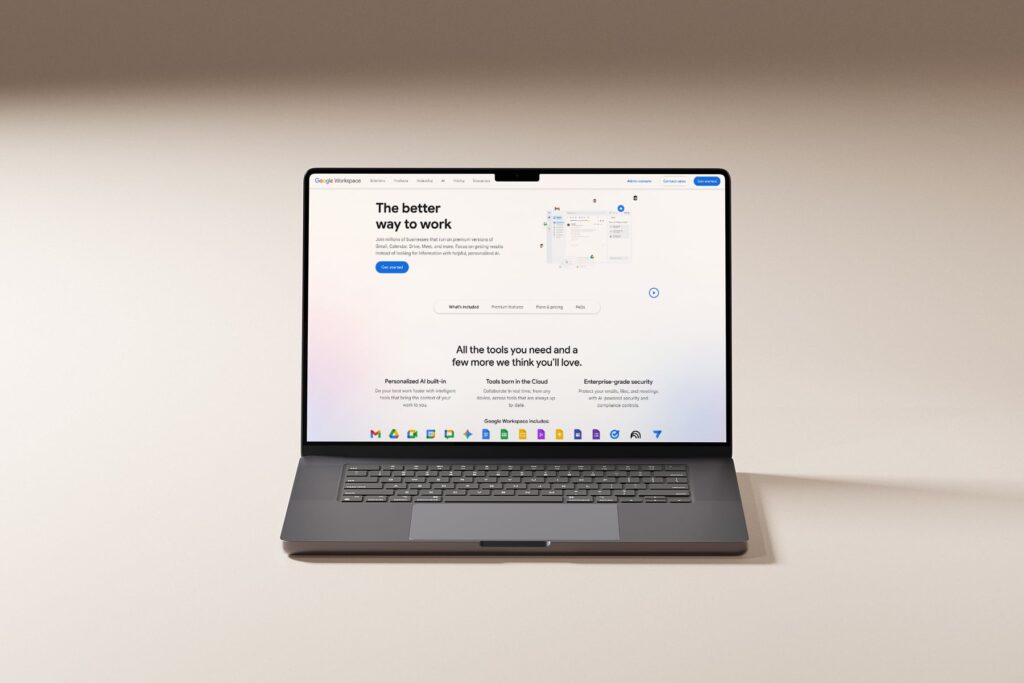
Step 1: Set up Google Workspace (professional email at your own domain)
The first tool you want set up is Google Workspace. This is what lets you send and receive email at yourname@yourtravelagency.com instead of yourname@gmail.com, while still using the Gmail interface you already know.
Why this comes first
Your professional email address is going to get used in every other Google tool you set up. When you create your Google Business Profile, the email address on the account matters. When Google is deciding how to verify a domain, matching email domains is one of the trust signals it looks for. And when clients start replying to your confirmations, they’re reading the @ symbol too.
Reddit tells this story over and over. Travel advisors who switch from gmail to a professional domain email report higher response rates, fewer abandoned inquiries, and clients taking them more seriously on first contact. That’s real behavioral data.
How to set it up
- Go to workspace.google.com and click Get Started.
- Enter your business name, your region, and how many users you’ll need (for most solo travel advisors, this is 1, you can add your assistant or partner later).
- When prompted, enter your existing domain (yourtravelagency.com).
- If you don’t have one yet, hop over to this post and follow step 1 – Setup your own domain It will walk you through what to get and what to skip, then you’ll want your website launched as well, so bookmark this tutorial and come back when your new website is live 🙂
- Create your first user, this will be your main email address. Pick something clean: hello@, yourname@, or book@ are all strong. Avoid cutesy handles like wanderlust@ or dreamtrips@, these read like fan accounts, not businesses.
- Verify domain ownership. Google will give you a TXT record (a line of text starting with
google-site-verification=) to paste into your domain’s DNS settings. GoDaddy, and every other major registrar have one click fields for this. Paste the record, wait 15–30 minutes, click verify. - Set up your MX records. Google provides them. Your registrar has a DNS settings page. Copy, paste, save. This is what actually routes email to you.
Pricing: Google Workspace Business Starter runs about $7 per user per month (pricing varies slightly by region). The free 14-day trial lets you confirm everything is working before you commit.
What this unlocks
Once Workspace is live, you have:
- Professional email at your domain
- The full Gmail interface and storage
- Google Drive, Calendar, Meet, and Docs at your domain
- A Google Account tied to your business (important for every step below)
!! Important !! Everything else in this guide gets set up using your new Workspace account, not your personal Gmail. Sign out of your personal account and sign in as book@yourtravelagency.com for the rest of the walkthrough.
Step 2: Install Google Analytics 4
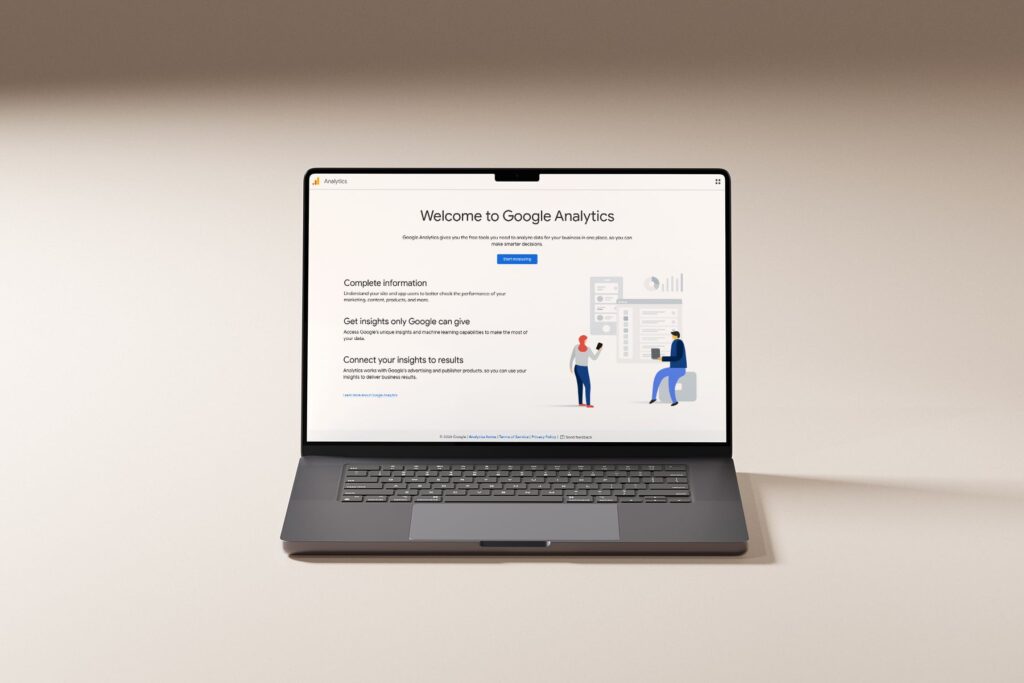
Google Analytics shows you who’s visiting your website, where they’re coming from, and what they’re doing once they land. For a travel advisor, this is the difference between guessing at what’s working and knowing what’s working, kinda nice right?!
Why we’re setting this up before GBP
Two reasons. First, Analytics works best when it’s been collecting data for a while, so the sooner it’s installed, the more useful it becomes. Second, Google Analytics verification adds another signal that your domain and website are legit, which factors into later verification decisions.
How to set it up
- Sign in to analytics.google.com with your Workspace account.
- Click Start measuring. Enter your account name (use your business name).
- Create a property. Name it after your website, set the time zone to your local zone, and choose USD (or your currency).
- Under business details, select Travel as your industry and your actual business size.
- Choose your business objectives. For travel advisors, pick Generate leads and Examine user behavior at minimum.
- On the data stream page, choose Web. Enter your domain (yourtravelagency.com) and give the stream a name.
- Google will generate a Measurement ID (starts with
G-) and a tag snippet.
Installing the measurement ID on Showit
If you’re on Showit (and you should be, but that’s another blog post), head to Site Settings → Integrations Paste the Google measurement ID (the one that starts with “G-” into the Google Analytics Measurement ID Box. Save and publish.
If you’re not on Showit, your platform has an equivalent place for header scripts. Squarespace has Code Injection, Wix has Custom Code, WordPress has plugins like Site Kit.
What to watch once it’s live
Give it about 48 hours to start collecting data, and a month or so to start collecting meaningful data. Then the metrics that matter most for travel advisors:
- Traffic sources. Are people finding you through Google search, social media, or direct (typing your URL)?
- Most visited pages. After your homepage, where do people go? This tells you what they care about.
- Engagement time. 30+ seconds per page is healthy; under 10 seconds means something’s off.
- Conversions. Set up a goal for your contact form submissions. This is the number that actually matters.
Analytics isn’t a vanity metric tool. It’s how you stop making website decisions based on gut feeling and start making them based on what your actual audience does.
Step 3: Set up Google Search Console (the verification unlock)
This is the step most travel advisors don’t know about, and it’s the single most important one in this guide.
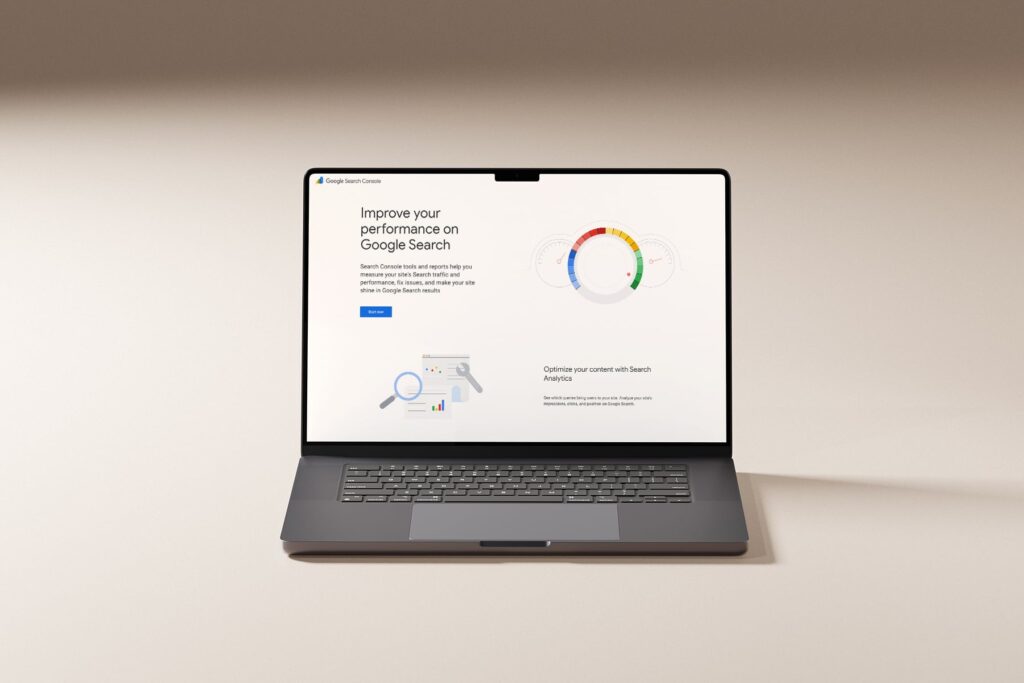
Google Search Console does two things. The obvious thing: it tells you how your website shows up in Google search, which keywords you rank for, and which pages have indexing problems. The less obvious thing, the one that matters most if you’re about to set up a Google Business Profile from a home address, verifying your website in Search Console is what makes email or instant verification available for your GBP instead of forcing you into video verification.
How to set it up
- Go to search.google.com/search-console and sign in with your Workspace account.
- Click Add Property. You’ll see two options: Domain and URL prefix.
- Choose Domain. It’s more thorough and covers every version of your site (www, non-www, http, https). It requires DNS verification.
- Enter your domain (yourtravelagency.com, without the https or www).
- Google gives you a TXT record (starts with
google-site-verification=). Paste it into your domain’s DNS, same process as Google Workspace. - Wait 10-30 minutes. Click Verify. Done.
After you verify
- Submit your sitemap. Under Sitemaps in the left menu, paste your sitemap URL (usually yourtravelagency.com/sitemap.xml). This tells Google every page on your site to crawl.
- Request indexing for your most important pages. Your homepage, your about page, your services page. This gets them into search results faster.
- Check coverage. After a couple weeks, look at the Coverage report to see which pages are indexed and which have problems. Fix the problems.
Why this matters for the GBP step
When you go to create your Google Business Profile in the next step, Google’s system checks whether the website you’re entering is already verified in Search Console under the same Google account. If it is, you often qualify for instant verification, meaning no postcards, no phone calls, no filming your house. And if instant verification isn’t offered, you’re much more likely to see email and phone options instead of being forced into video.
This is the reason you set up Search Console before GBP and not after.
Step 4: Set up your Google Business Profile for travel agents
Now we set up your new travel agent Google Business Profile. (Honestly, if you can take a beat here though I would highly recommend it. A couple days, a week, 10 days. Something to give all those other steps time to fully register, and live a little first.)
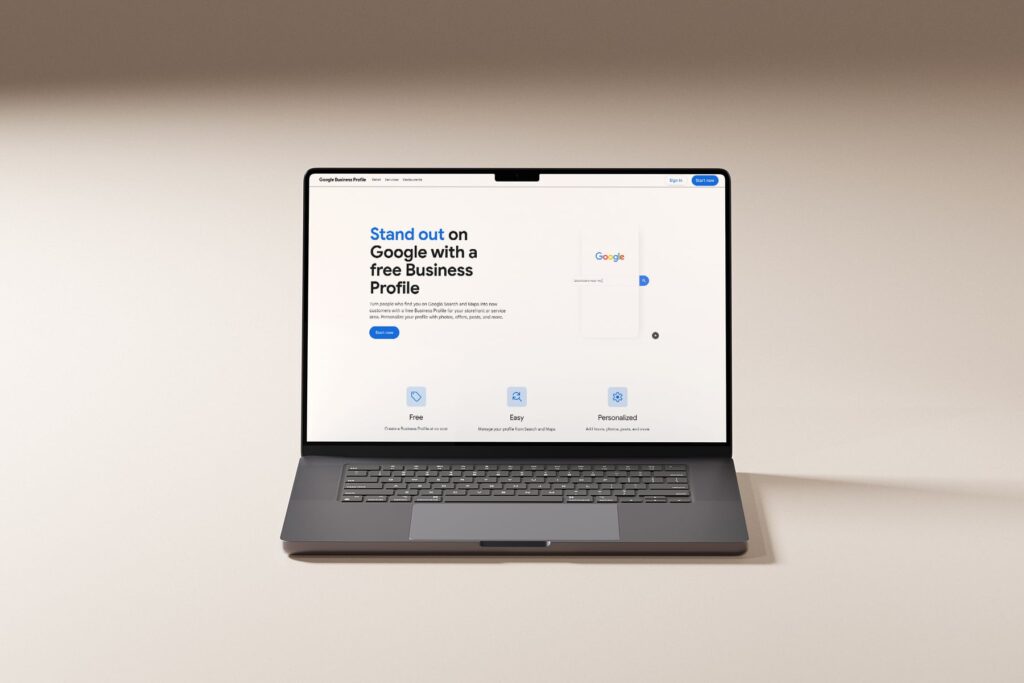
Your Google Business Profile is what appears when someone Googles your name or your agency. It shows your name, photos, reviews, hours, and website. For travel agents who get most of their business by referral, it’s the first thing new prospects see after they’ve already heard about you, and the last credibility check they probably do before reaching out.
I know a lot of travel agents get stuck here in the google business profile verification stage, but we’re doing this whole process to try and avoid that, so don’t skip anything above first!
How to set it up
- Go to business.google.com and sign in with your Workspace account (the same one you used for Search Console).
- Click Start now. Enter your business name exactly as it appears on your website.
- Choose Service Business for business type
- Choose your primary category: Travel agency. You can add secondary categories later.
- For service area leave it blank for now, and just choose next. You’ll add these later.
- At region based in, choose your country.
- Enter your contact info: phone number and website URL. Use the same phone number and URL that appear on your website.
- When you reach the verification step, the available options depend on what Google sees. If you set up Search Console first with the same Google account, you may see instant verification, email, or phone/SMS options. Pick the easiest one available.
If you still only get video verification
It happens, ugh, I know. Google’s algorithm is strict, and some regions default to video no matter what. If that’s the hand you’re dealt, here’s how to do it right the first time and not have to redo it.
- Edit to add! I’ve had 2 travel agents in the last couple days tell me that doing their video the way below worked great for them, they were both verified within a few days, and it was easy! So don’t lose hope if you get stuck with video, just follow below and you should be good!
The Digital Harvest 2026 guide and Dalton Luka’s breakdown both confirm the same core rules: record under 3 minutes, no faces, no voices, one continuous shot. Don’t start and stop the video, and don’t edit it. Here’s the travel advisor specific version.
Your video needs to show three things, in this order:
- Location proof. Start outside. Film your street sign or house number, then pan to your front door. This confirms you’re at the address you claim. Unlock or open the front door showing ownership of the home.
- Proof this is a business. Walk (still recording) to your home office. Film a printed sign with your business name and logo, your workspace, and any branded materials you have, like business cards, stationery, a laptop showing your website.
- Proof of management. End the video on a document that ties your name to the business: your business license (if you have one), a host agency agreement, a utility bill or bank statement with your business name, or a printed invoice. Hold it steady for 2–3 seconds so Google’s reviewer can read it. Make sure it has your business name and the address of the house you are filming too.
No voices, no faces, no talking. Just a clean, continuous walkthrough. Stopping and restarting is the fastest way to get rejected, so don’t stop your video, and don’t edit it.
Complete your profile while verification is processing
Upload photos. Your professional headshot, your website hero image, and 5-10 images of destinations, client trips, or your setup.
Write your business description. Use all 750 characters. Lead with your niche (honeymoons, family travel, cruises, luxury, etc.), include your service area, and mention 2-3 keywords naturally. Example: “Boutique travel advisor specializing in honeymoons and romantic getaways for couples across [region]. I handle every detail of your trip, flights, hotels, transfers, and the reservations that make a honeymoon memorable, so you can stop planning and start packing.”
Add your services. List them individually. Honeymoon Planning, Family Vacation Planning, Cruise Booking, Destination Weddings, etc. Add short descriptions to each as well.
Set your hours. Even as a home based business, pick the hours you’re available for consultations. “By appointment” is fine as a note.
If you do not hear back from Google within a week, check your dashboard for updates, and then reach out to Google Support. While you have them ask if you can verify with DNS too.
As soon as your profile is live, request reviews from your happiest past clients. Aim for 10 reviews at 4.5+ stars, that’s the threshold where GBP listings start outperforming paid ads and Yelp for travel advisors.
The website truth
Every single one of these business tools (Workspace, Analytics, Search Console, Google Business Profile for travel agents) depend on you having your own domain and website. You get trusted by Google at a structurally different level with this setup. And all of these, with the exception of Workspace, are free. And your own website is a small cost for this solid business foundation.
If you’ve been running your business on a free host agency page, a Gmail address, or a Squarespace trial you haven’t committed to, you’ve been trying to build a professional reputation on infrastructure that signals “not quite a business” to Google, to your clients, and to anyone who Googles your name on a Tuesday night before booking their honeymoon.
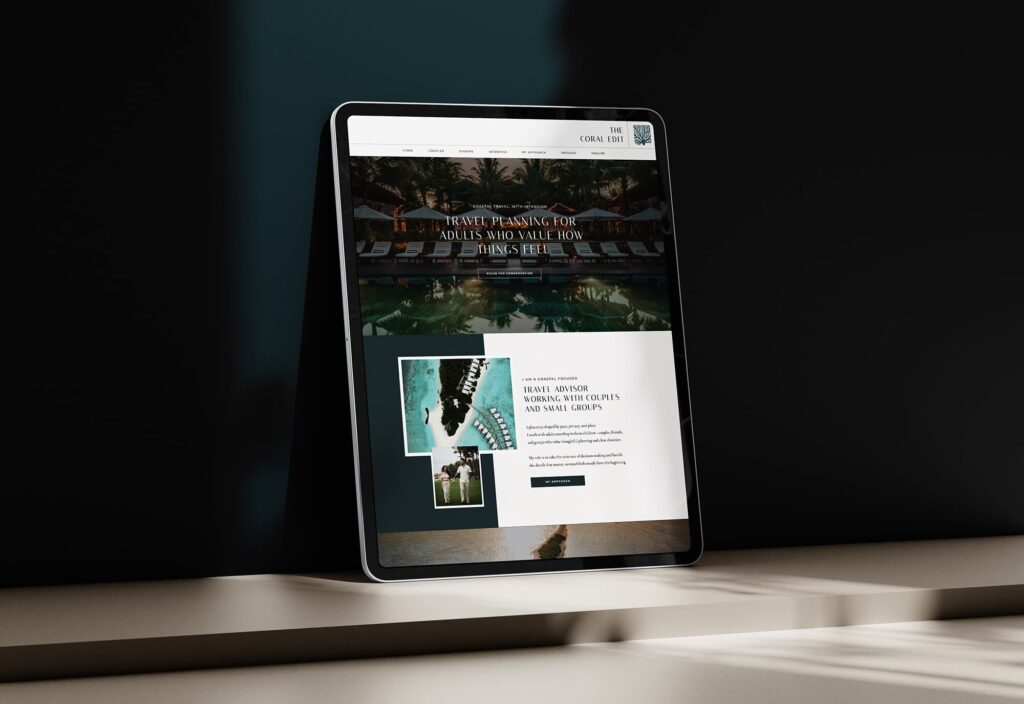
You need a website that actually holds up, and lays the foundation for your business. One that gives Google something to verify. A website that gives clients something to trust. One that you’ll actually want to send people to.
JetSite & Roam templates are built on Showit, specifically for travel advisors. They’re $679 (or two payments of $350). Every template comes with a built in blog structure that Google Search Console can actually index, on your own real domain, matching email ready professionalism, and a design you won’t outgrow in six months. This is the base layer that makes every single tool in this guide work the way it’s supposed to.
You’ve been meaning to do this, probably for longer than you’d like to admit. Today’s the day it stops being on the list.
Or if you’d rather see one in action first, try JetSite on me and I’ll send you the full walkthrough.